
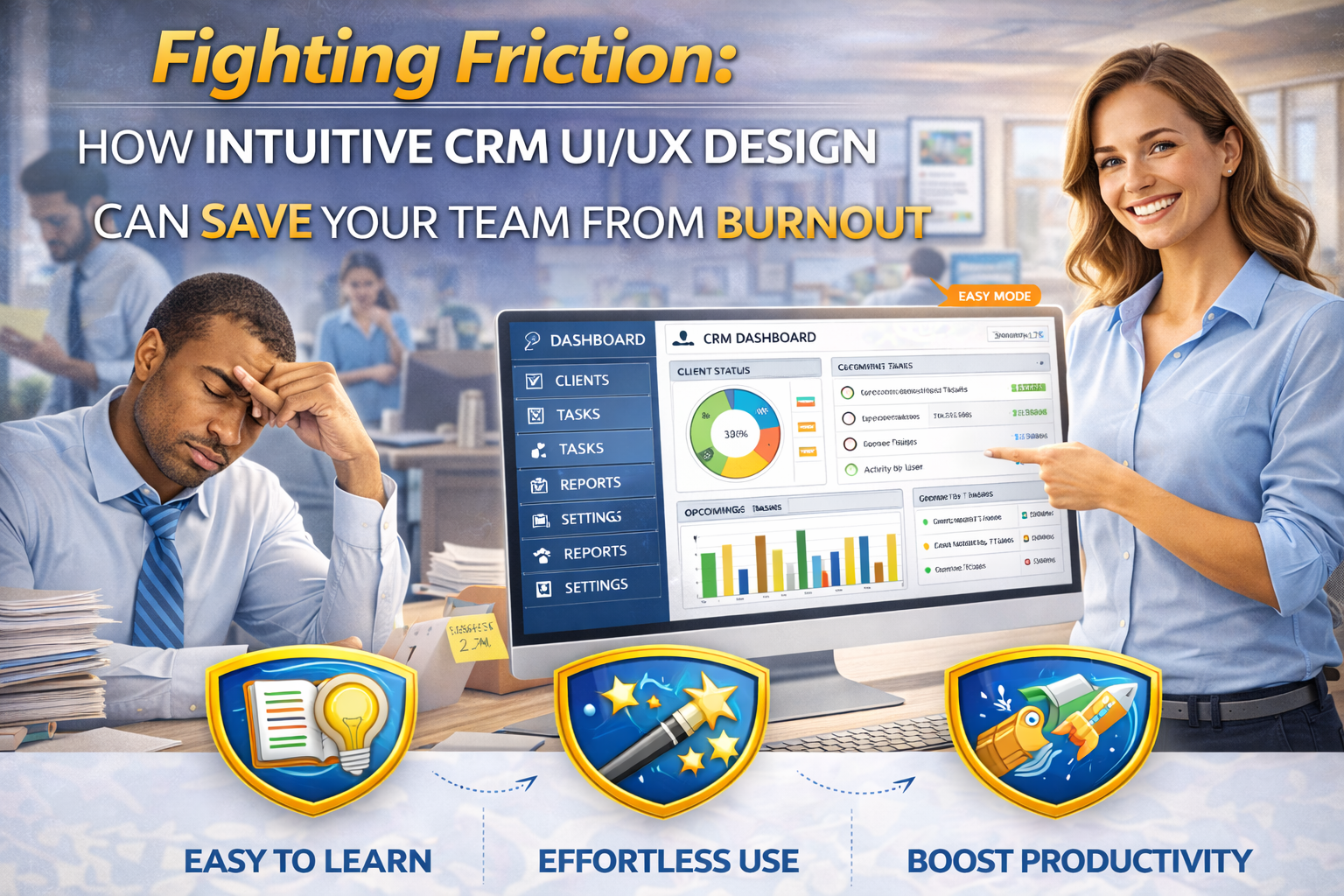
Is your software exhausting your staff? Discover how better CRM UI/UX Design reduces cognitive load, prevents burnout, and keeps your real estate team happy.
Table of Contents
I’ll never forget a Tuesday afternoon back in 2024 when I walked into a local property management office. The energy in the room felt like a heavy fog. One of the senior agents, Sarah, was staring at her dual-monitor setup with a look of pure, unadulterated defeat. She wasn’t dealing with a difficult tenant or a plumbing emergency; she was just trying to log a simple lease renewal.
“I have to click through seven different tabs just to find the ‘Save’ button,” she told me, her voice cracking with frustration. “By the time I finish one entry, I feel like I’ve run a marathon. I love this job, but I hate this screen.”
Sarah’s story isn’t an outlier. In the high-pressure world of real estate, we talk endlessly about “hustle” and “grind,” but we rarely talk about the invisible weight of bad software. We invest thousands in office aesthetics and ergonomic chairs, yet we force our teams to spend eight hours a day inside digital environments that are cluttered, confusing, and counter-intuitive.
The truth is that poor CRM UI/UX Design is a primary driver of employee burnout. When every task feels like a battle against a clunky interface, “cognitive load” piles up. Over time, that mental friction turns into resentment, exhaustion, and eventually, high turnover rates. If you want to keep your best people, you have to realize that the quality of your digital tools is just as important as the quality of your workplace culture.
The Mental Tax of a Clunky Interface
In real estate, we’re dealing with a massive amount of data: property disclosures, escrow timelines, lead scores, and sensitive financial records. A well-executed CRM UI/UX Design acts as a filter for all that noise. It surfaces the most important information right when the agent needs it.
Conversely, a bad design forces the brain to work twice as hard. Think of it like a house with a terrible floor plan. If you had to walk through the laundry room and the garage just to get from the kitchen to the dining room, you’d be exhausted by dinner. Bad CRM UI/UX Design does the same thing to your mind. It creates “digital detours” that drain an employee’s energy before they even get to the actual work of serving a client.
Why “User Experience” is a Retention Strategy
Employee retention in our industry is notoriously difficult. Top producers and talented administrative staff are always being scouted. When a team member decides to jump ship to a competitor, it’s rarely just about the commission split. It’s often about the “daily friction.”
If your brokerage utilizes a platform with superior CRM UI/UX Design, you are essentially giving your team back their time and mental clarity. You’re telling them that their focus should be on building relationships, not fighting with a database. In my experience, a team that enjoys using their tools is a team that stays put. They feel supported rather than hindered by the technology provided by their leadership.
According to data often discussed by the National Association of Realtors (NAR), agents who embrace technology see a significant boost in productivity. However, that productivity only materializes if the technology is actually usable. Successful CRM UI/UX Design removes the barriers to adoption, ensuring that the “hustle” stays focused on the market, not the menu bar.
Reducing “Decision Fatigue” in the Field
Real estate doesn’t happen behind a desk. It happens at open houses, during home inspections, and in the back of a car between showings. If an agent has to struggle with a mobile interface that is just a squished version of the desktop site, they simply won’t use it.
Good CRM UI/UX Design prioritizes “mobile-first” workflows. It understands that an agent in the field needs big buttons, high-contrast text, and a simplified navigation path. When they can log a lead or update a status in three seconds while walking to their car, they feel empowered. When they have to pinch-to-zoom just to find a phone number, they experience a spike in stress that contributes to that slow-burn exhaustion we call burnout.
For a deeper look at the psychological principles of how humans interact with digital tools, Wikipedia’s entry on User Experience Design offers a fantastic foundation. It explains why “usability” is more than just a buzzword—it’s a fundamental requirement for any professional environment.
The “Invisible” Cost of Training and Errors
We also have to consider the financial impact of poor CRM UI/UX Design. Every time an agent makes a mistake—like missing a contingency deadline because the alert was buried in a submenu—it costs the brokerage money and reputation.
Furthermore, if your software is so complex that it requires a 40-hour training course just to understand the basics, you are burning out your new hires before they even get their first listing. A platform with intuitive CRM UI/UX Design should be “self-explanatory.” It should guide the user through the process, reducing the need for constant hand-holding and decreasing the fear of “breaking the system” that many employees feel.
As noted by the Lincoln Institute of Land Policy, the digital transformation of land and property services is making data-driven management the standard. But that data is only as good as the people entering it. If your team finds the entry process painful due to bad CRM UI/UX Design, the quality of your data will plummet as they take shortcuts just to finish the task.
Making Work “Flow” Again
The ultimate goal of great CRM UI/UX Design is to facilitate a state of “flow.” This is the psychological state where a person is fully immersed in an activity, feeling energized and focused. You cannot reach a state of flow if you are constantly interrupted by error messages, slow load times, or a confusing layout.
When you invest in a platform that prioritizes CRM UI/UX Design, you are investing in your team’s mental health. You are giving them the gift of a “quiet” digital workspace. This allows them to handle the high-stress moments of a real estate transaction with much more grace and resilience.
Key Elements of Burnout-Proof CRM UI/UX Design:
- Visual Hierarchy: Important buttons (like “Add Lead”) should stand out clearly.
- Consistency: Icons and navigation should be in the same place on every screen.
- Speed: A laggy interface is a major psychological stressor for busy professionals.
- Customization: Let agents hide the features they don’t use to reduce visual clutter.
- Error Prevention: The system should prevent common mistakes before they happen with clear warnings.
FAQ Section
How can I tell if our current CRM has poor UI/UX design? The easiest way is to watch your team use it. Do they look frustrated? Do they frequently ask where a specific feature is? If your staff is keeping “shadow” records in Excel or on paper because the CRM is too hard to use, you have a CRM UI/UX Design problem.
Is it expensive to switch to a system with better CRM UI/UX design? The “switching cost” can be high in terms of data migration and initial training. However, you have to weigh that against the “burnout cost.” Replacing a single experienced agent can cost a brokerage tens of thousands of dollars in lost revenue and recruiting fees.
Can we improve the CRM UI/UX design of our existing custom software? Absolutely. You don’t always need to scrap the whole system. Hiring a UX consultant to perform a “usability audit” can identify the specific friction points that are driving your team crazy. Often, small changes to the layout can make a massive difference.
Does better CRM UI/UX design actually lead to more sales? Indirectly, yes. When agents spend less time fighting with their software, they spend more time prospecting and negotiating. Happier, less-stressed agents are also more effective communicators, which directly impacts their closing rates.
Should I involve my agents in the selection of a new CRM? Yes! This is one of the best ways to ensure successful CRM UI/UX Design adoption. Let your “Champions” (the tech-savvy agents) and your “Laggards” (the tech-resistant ones) test the software. If both groups find it easy to use, you’ve found a winner.
Conclusion
At the end of the day, real estate is a human business. We use technology to support that humanity, not to replace it. If the tools we provide our teams are causing them mental anguish, we are failing as leaders.
Prioritizing CRM UI/UX Design isn’t about having the shiniest new gadget; it’s about respect. It’s about respecting your team’s time, their mental energy, and their passion for the industry. When you eliminate the digital friction, you don’t just see a more efficient office—you see a more vibrant, resilient, and loyal team. Let’s stop making the software the hardest part of the job.
